
Guides to making LINE stickers
The parts of making stickers for LINE Creators Market where people get stuck, explained with steps and real results from MochiStamp's free tools. The numbers follow LINE's creation guidelines.
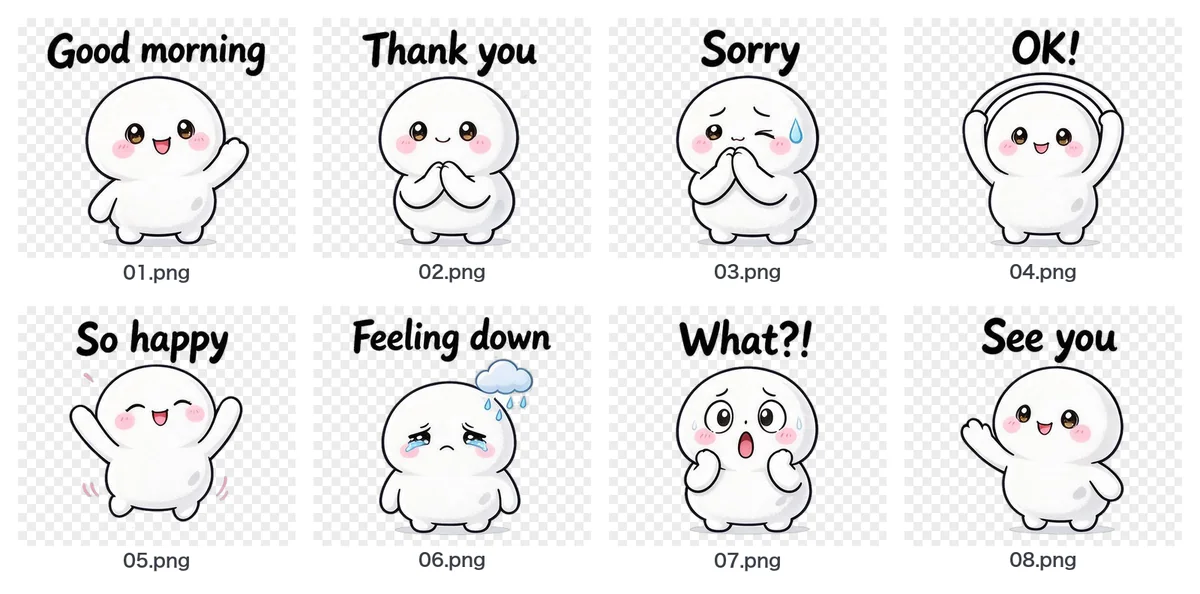 Turn images from ChatGPT or Gemini into LINE stickersSplit a sheet, make the background transparent, fix sizes and file names.
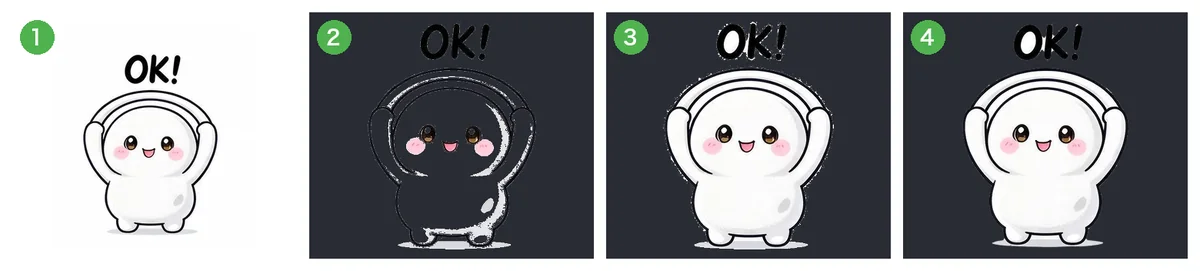 Why removing the background leaves white edges or holes, and how to fix itA white fringe, or holes in a white character: the causes compared on real pictures.
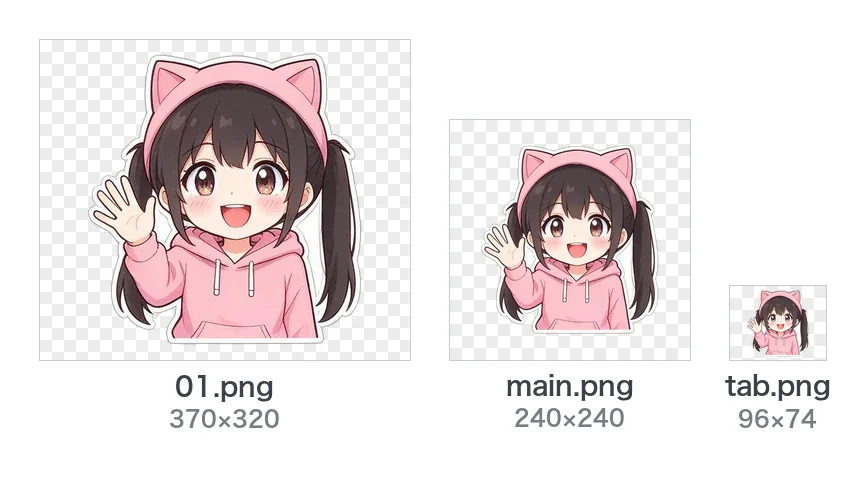 LINE sticker size and format guide370×320, main 240×240, tab 96×74, PNG, 1 MB, ZIP, margin and count at a glance.
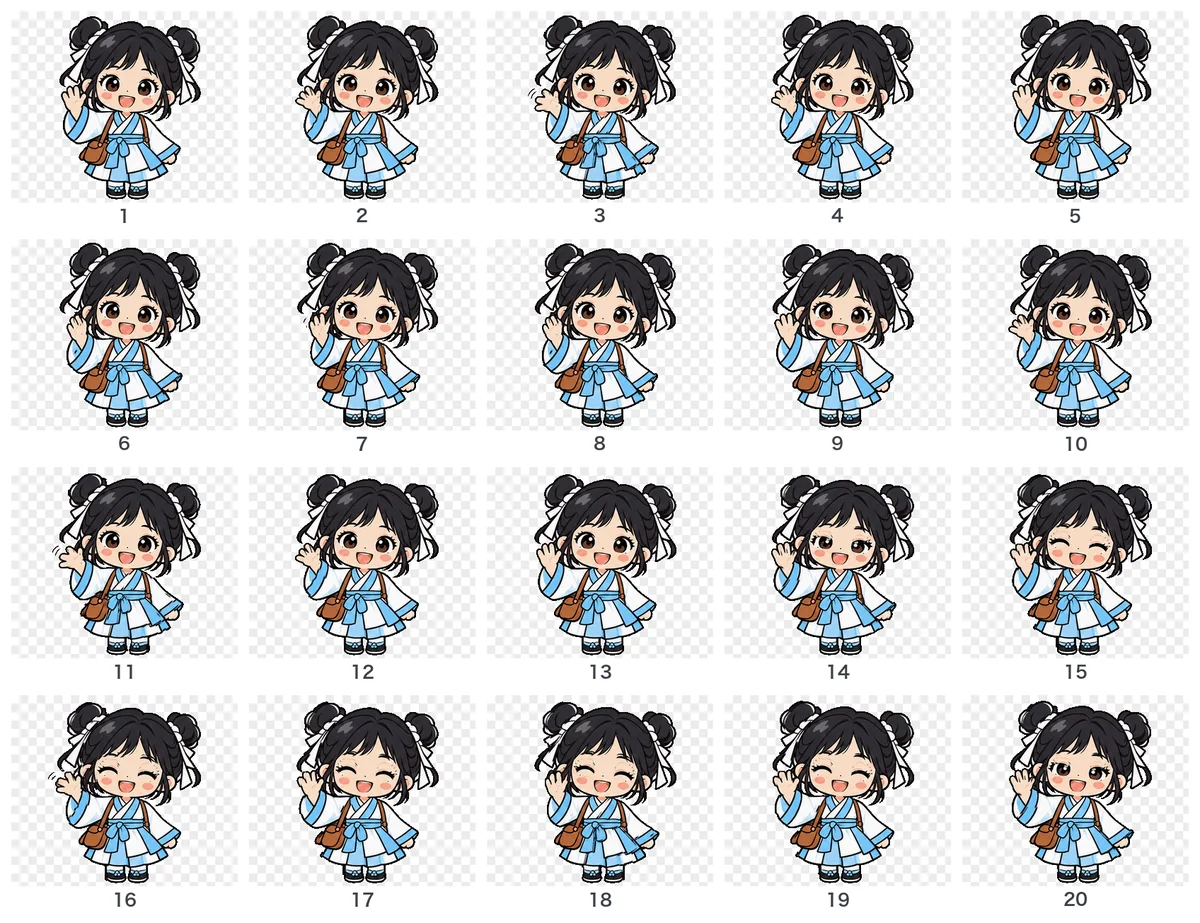 Make animated LINE stickers with AIAPNG, 320×270, sets of 8/16/24, 4 seconds at most. Poses drawn by AI, turned into motion.
Free tools
LINE sticker image converterTransparent background, 370×320, margins and file names in one go. The ZIP is ready to submit.Sticker sheet splitterSplit a whole sheet of stickers drawn by ChatGPT or Gemini into single transparent stickers.LINE sticker ZIP checkerBefore you submit, check the count, sizes, file names and more in your ZIP, rule by rule.Title and description length checkerCheck titles, descriptions and copyright with LINE's rule: full-width characters count 2, half-width 1.
Want AI to draw the whole set from your character?
With MochiStamp you write one line about your character, and get a set of 8 to 40 stickers drawn and packed into this same ZIP. Sign in with Google for 20 free.
Make stickers