
Retro pixel LINE stickers
Retro pixel draws your character in square pixels, like a character from an old video game. With few colors and no smoothing at the edges, it stays crisp even at sticker size. The samples show a little hero in blue armor holding a wooden sword, and a purple slime with round eyes.
Sample set 1, made with MochiStamp
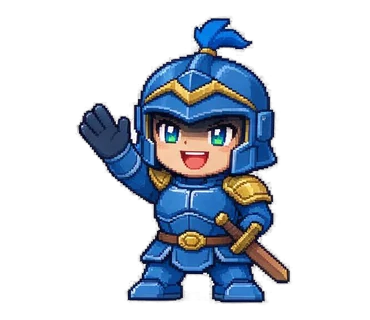
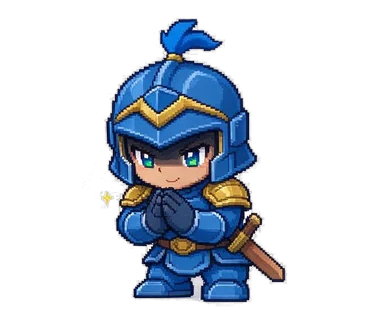
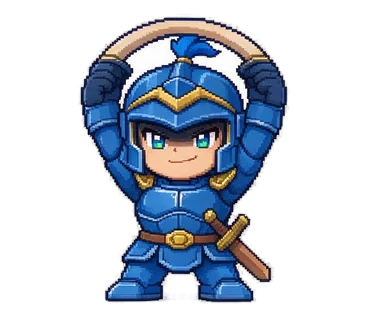
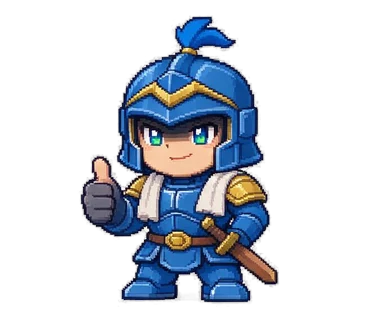


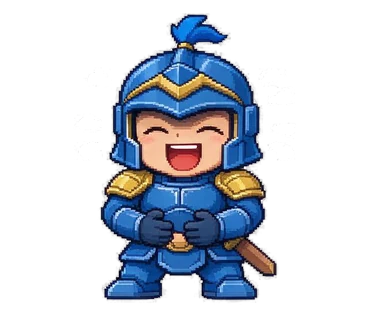

- Character description
- A little hero in blue armor with a wooden sword
- Style
- Retro pixel
Sample set 2, made with MochiStamp




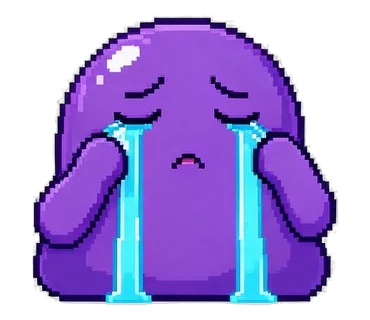



- Character description
- A purple slime with round little eyes
- Style
- Retro pixel
Character and text-sticker previews
Left: the preview you see when you pick this style in the creator. Right: a text-only sticker in this style.


Good for
- RPG-style characters like heroes, wizards and slimes. Great for chats with friends who love games.
- Sets for achievements like “Yes!”, “Passed!” and “Done!”. The game-screen look turns each text into an event.
- Mascots with simple shapes. With a limited number of pixels, characters with clear shapes, round or square, look the most like real pixel art.
- Sets for fans of your own game or stream. Add your game’s character as a reference image and you get 8 in the same pixel feel.
Tips
- Stick to three or four colors for a pixel-art feel. For example: “a little hero in blue armor with a wooden sword”. Gradients and textures like “fluffy” can’t be shown in pixels, so leave them out.
- Clear shapes, few details. Small patterns and thin lines get lost in the pixels, so pick one or two features you can spot at a glance, like “big eyes” or “a pointy hat”.
- Text is drawn in pixels too, so long texts and intricate characters get hard to read. Short texts in simple letters work best; when every text on a sheet is 3 characters or fewer (8 letters in English), the sheet is drawn in big lettering automatically.
- The dark pixel outline makes the background come out cleanly transparent. There is no anti-aliasing at the edges, so the pixels stay square even when enlarged.
- It’s not the style for realistic animals or a soft mood. For those, go with 3D cartoon or watercolor.
FAQ
Can I make a pixel-art character from a photo?
Yes. Add a photo or illustration under “Reference image (optional)” and we draw a pixel-art character that captures its features. Fine patterns are dropped in pixels, so characters with a standout color or prop are the easiest to match.
Can I choose the pixel size?
No. Every set uses the same pixel density, like a 16-bit game. For a smoother look, choose 2D chibi or doodle.
Can animated stickers be in the retro pixel style?
Yes. Choose “Animated” and pick Retro pixel as the style for an APNG that moves like a game character. It follows the action in each box and carries no text. Each costs 2 credits.
Other styles
 Doodle
 2D chibi
 3D cartoon
 B&W manga
 Crayon
 Watercolor
 Clay
ClayRelated pages
Turn your character into LINE stickers today.
With MochiStamp you write one line about your character, and get a set of 8 to 40 stickers drawn and packed into this same ZIP. Sign in with Google for 20 free.
Make one like this